Advertisement
Click to download now, finish the installation quickly, and directly unlock the all-round experience
Advertisement
Screenshots
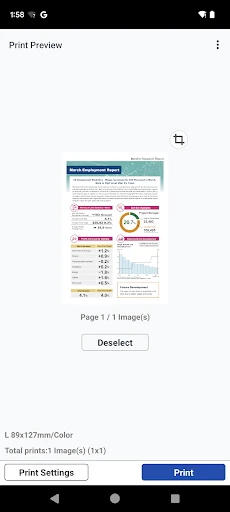
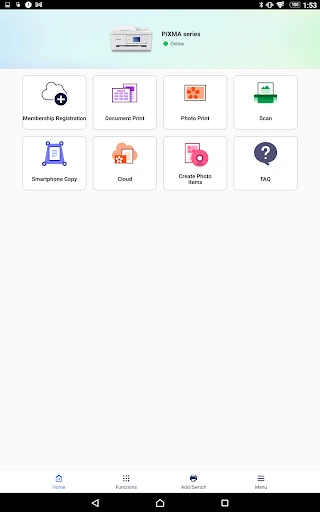
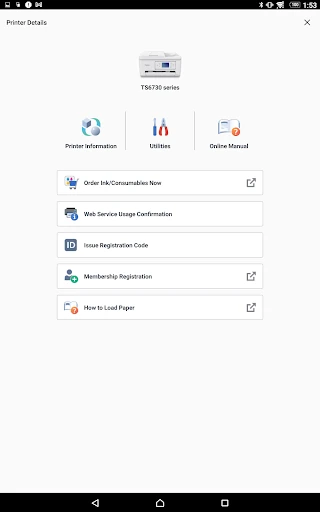
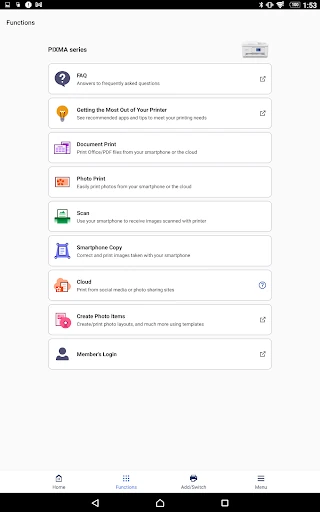
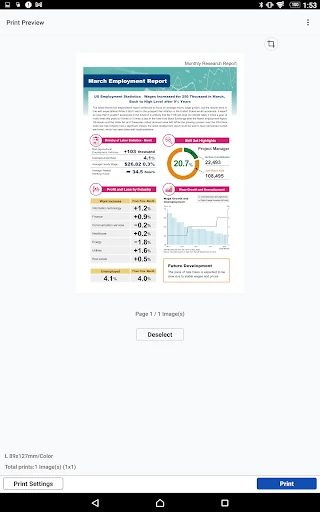
Click to download now, finish the installation quickly, and directly unlock the all-round experience
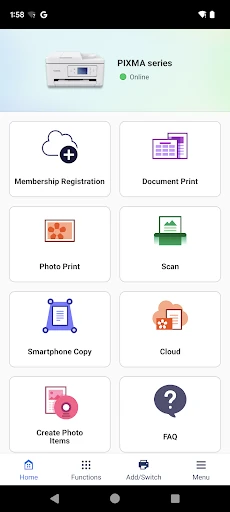
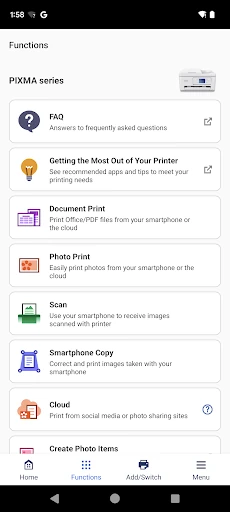
Canon PRINT lets you use an Android device to print documents and photos or scan paper documents with a compatible Canon printer. It suits people who want to handle everyday printing and scanning without first moving files to a computer, as well as Canon printer owners who want a mobile companion for basic device tasks.
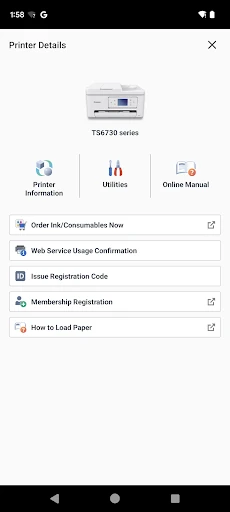
The app can help connect a phone to a Canon printer, send files to print and save scans to the mobile device. It also provides printer information such as ink or toner levels, where supported. Some functions depend on the printer model, so the available options may differ between devices.
Canon PRINT is intended for Canon hardware, including supported PIXMA and SELPHY models. Check that your printer is compatible before relying on a particular feature. The app is most useful when your printer and phone are set up to communicate over a supported connection; it is not a general-purpose printing app for every printer brand.
This is a practical utility rather than a photo-editing or document-creation tool. Its purpose is to move files between a phone and a compatible printer, and to provide access to relevant printer functions. If you mainly print or scan occasionally, those core tasks may be all you need. If you expect every feature to work with every Canon model, bear in mind that support varies by hardware.
Canon PRINT has a Google Play rating of 4.6 out of 5 from about 805,000 ratings and has 50 million or more installs. Those figures show broad use and generally positive ratings, but do not guarantee that the app supports a particular printer or will suit every user.