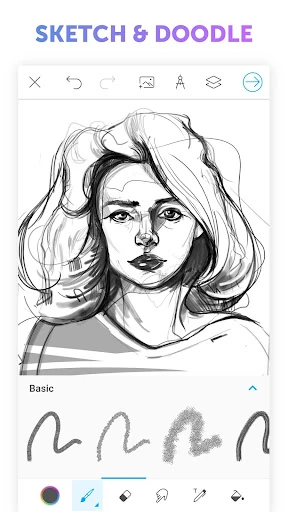
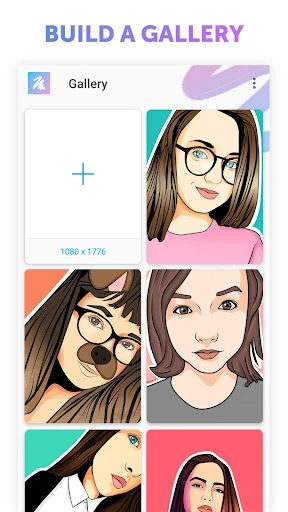
A canvas for drawing on Android
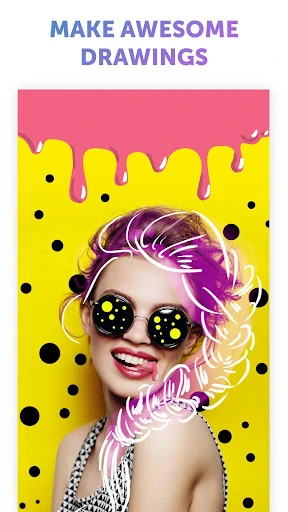
Picsart Color - Painting, Draw is a digital drawing and painting app for people who want to sketch, color, or build more detailed illustrations on a phone or tablet. Its range of tools can suit casual doodling as well as users who want control over layers, brushes, and color.
Tools for building an image
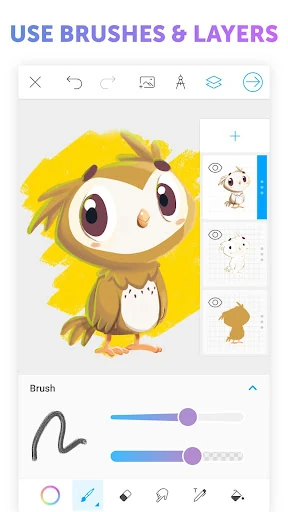
The app supports multiple layers, which lets you keep parts of a composition separate while you work. Blending modes offer another way to combine colors and layers. Brush options include textured strokes, and a rotating symmetry axis can help create mirrored designs or repeating patterns without drawing each side by hand.
These tools give users room to experiment, though a larger set of controls may take time to explore. On a smaller phone screen, the workspace can feel crowded compared with a tablet. The app is focused on raster-style painting; people who need vector drawing tools may want a different kind of editor.
Who it may suit
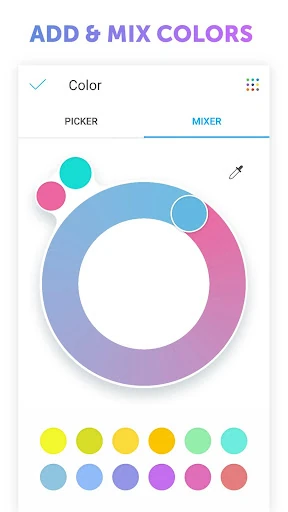
Consider Picsart Color if you want to draw directly on a touchscreen and value features such as layers, customizable brushes, color mixing, and symmetry. It can also work for beginners who want to start with simple sketches and gradually try more involved compositions. Its tools are aimed at making and editing artwork, rather than serving as a general photo editor.
At a glance
PicsArt, Inc. makes Picsart Color - Painting, Draw. It has a 3.7-star rating from 266,415 ratings and 50,000,000+ installs on Google Play. Those figures offer a quick snapshot of its reach and user ratings; whether its drawing tools fit your needs is yours to decide.