
Advertisement
Click to download now, finish the installation quickly, and directly unlock the all-round experience
Advertisement
Screenshots
Click to download now, finish the installation quickly, and directly unlock the all-round experience
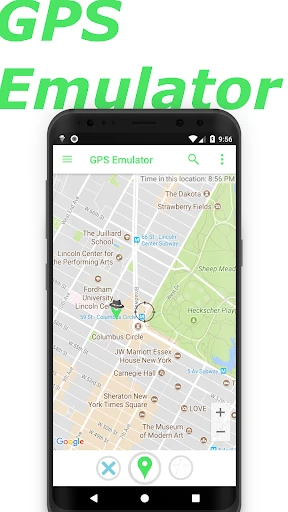
GPS Emulator changes the location your Android device reports, letting you choose a point on a map instead of relying on your current position. It is aimed mainly at developers and testers checking apps or services that respond to location. It may also suit people who need to see how an app behaves from another place, though results can depend on how that app handles location data.
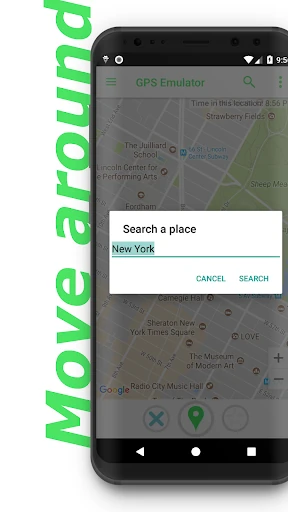
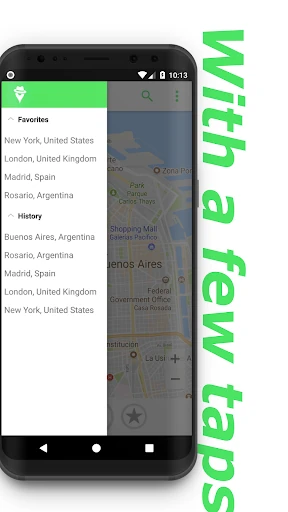
You can search for a place or select a position on the map. The app includes Normal, Satellite and Terrain map views to help identify the right spot. Its controls also let you set reported altitude and GPS accuracy, which can help when testing features that depend on elevation or signal precision. A separate option covers Google Play Location Services, used by apps that request location through Google’s services.
This is a location utility, not a turn-by-turn navigation app: it simulates a position rather than guiding you along a real route. The extra settings give testers more control than simply choosing a map point, but they may be unnecessary if you only want ordinary directions. Keep in mind that changing the device’s reported location does not guarantee that every app will accept or use it.
GPS Emulator is listed in Maps & Navigation and is made by Digitools UY. Its Google Play rating is 4.8 out of 5 from about 252,000 ratings, with 10 million or more installs. That record shows broad use and strong user ratings; whether its location controls fit your needs is for you to decide.