Screen Recorder - XRecorder
InShot Inc.
Downloads
100,000,000+
Source
Google Play
Advertisement
Click to download now, finish the installation quickly, and directly unlock the all-round experience
Advertisement
Screenshots
Click to download now, finish the installation quickly, and directly unlock the all-round experience
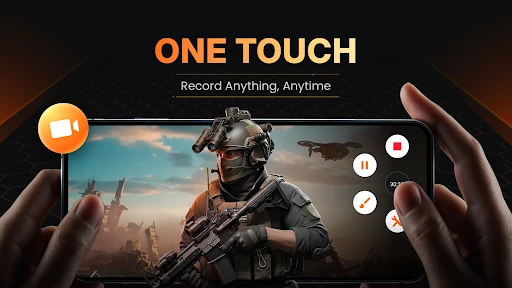
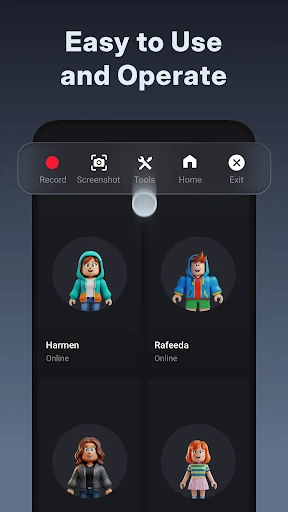
Screen Recorder - XRecorder captures activity on an Android screen as video. It suits people who want to save gameplay, make a walkthrough or tutorial, or record other on-screen activity to share later. The app combines recording with basic editing tools, so you can make changes to a clip without switching to a separate editor.
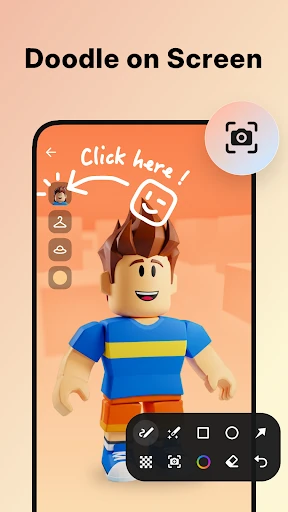
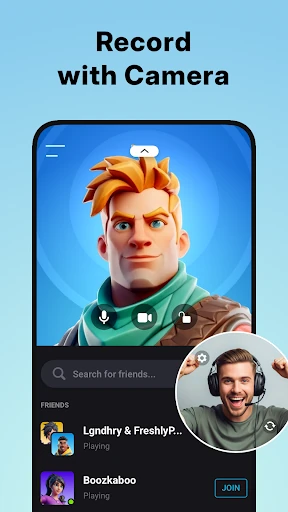
XRecorder can capture system audio, and it offers options such as a facecam overlay and on-screen drawing while recording. These can help when you want to add commentary or point out details in a demonstration. The app also supports live streaming, extending its use beyond saving clips for later viewing.
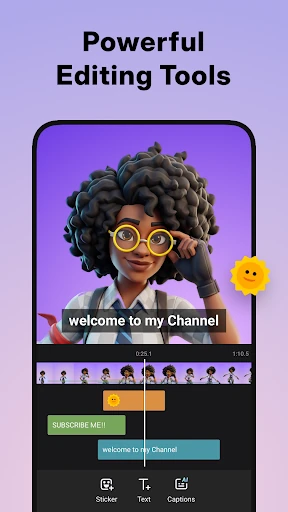
After recording, you can use the built-in editor to trim a video, change its speed, or add music. The tools are relevant for simple edits and explanations; the listing does not tell you how they compare with a dedicated video editor or whether every option suits every device.
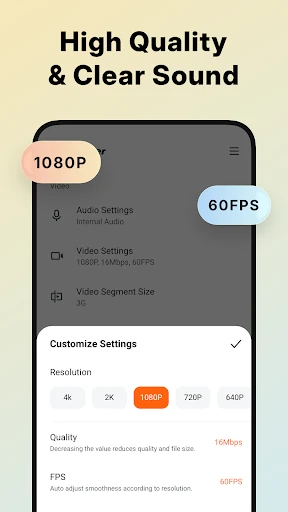
A screen recorder is most useful when its controls and recording choices fit the task you have in mind. XRecorder brings recording, streaming and a small set of editing functions together, but the right choice depends on the results you need and how the app works on your phone. Check the current Google Play listing for details that matter to your device and use.
More than 7.5 million ratings give XRecorder a substantial pool of user feedback, and its average rating is about 4.7 out of 5. That is a useful signal, not a guarantee that it will suit your setup. The install figure indicates broad reach, while the features point to a practical fit for screen capture, tutorials and gameplay clips.